
Set up Nihao China through UnionPay’s official information before relying on it. Use funding options offered to your account and test a small merchant purchase after arrival. Keep a card and RMB cash as independent alternatives.
The shop payment scene above is an illustration, not an app demonstration. This page explains the decisions and checks; UnionPay’s current Nihao China guide shows the official interface and download route.
Decide whether this app solves your actual need
| Your situation | What to do | Do not assume |
|---|---|---|
| You already have a working wallet | Compare whether Nihao adds a function you need for your route. | A second app automatically removes the need for cash or a card. |
| You want an alternative payment option | Complete setup and try a small merchant purchase while you have time for support. | Successful installation means your funding source is already ready. |
| You want a local bus or metro code | Check the actual city and service in the app before travelling. | Every bus, scenic shuttle and intercity train uses the same code. |
| Your bank is declining a transaction | Read the failure message and contact the relevant provider or issuer. | Repeatedly changing apps will remove the bank’s approval requirement. |
Before registration: keep the approval route available
Keep registration email or phone, supported card and bank approval method accessible. Data-only SIM users should check security-message access separately. Use a trusted connection and lock the device between uses.
The official guide describes registration by email or mobile number, Tour Wallet setup, a Tour Balance top-up path or a card-binding path, merchant scan or payment-code functions, and activation for supported local transport. The available choice in your account and its displayed conditions should guide the setup. Do not treat card binding and adding a prepaid balance as the same operation.
Set up one funding method, then test it
| Stage | Action | Check before continuing |
|---|---|---|
| Install and register | Use the official download route and finish the login steps shown. | You can get back into the account and receive required messages. |
| Choose funding | Read the supported-card, identity, fee and balance conditions in your account. | Whether you are linking a card or loading funds, and which method will pay. |
| Approve the transaction | Complete your bank’s own approval process if requested. | Do not share your password or one-time code with a merchant or helper. |
| Try a small purchase | Use a participating merchant’s payment method and check the amount. | Both sides show completion; save the transaction reference if anything differs. |
If you choose a balance, load only the amount you are comfortable managing while you learn the process. Read the unused-balance and refund terms before adding a larger amount. A payment card refund, a reversed failed payment and returning unused wallet balance are different matters; do not infer a refund deadline from another traveller’s screenshot.
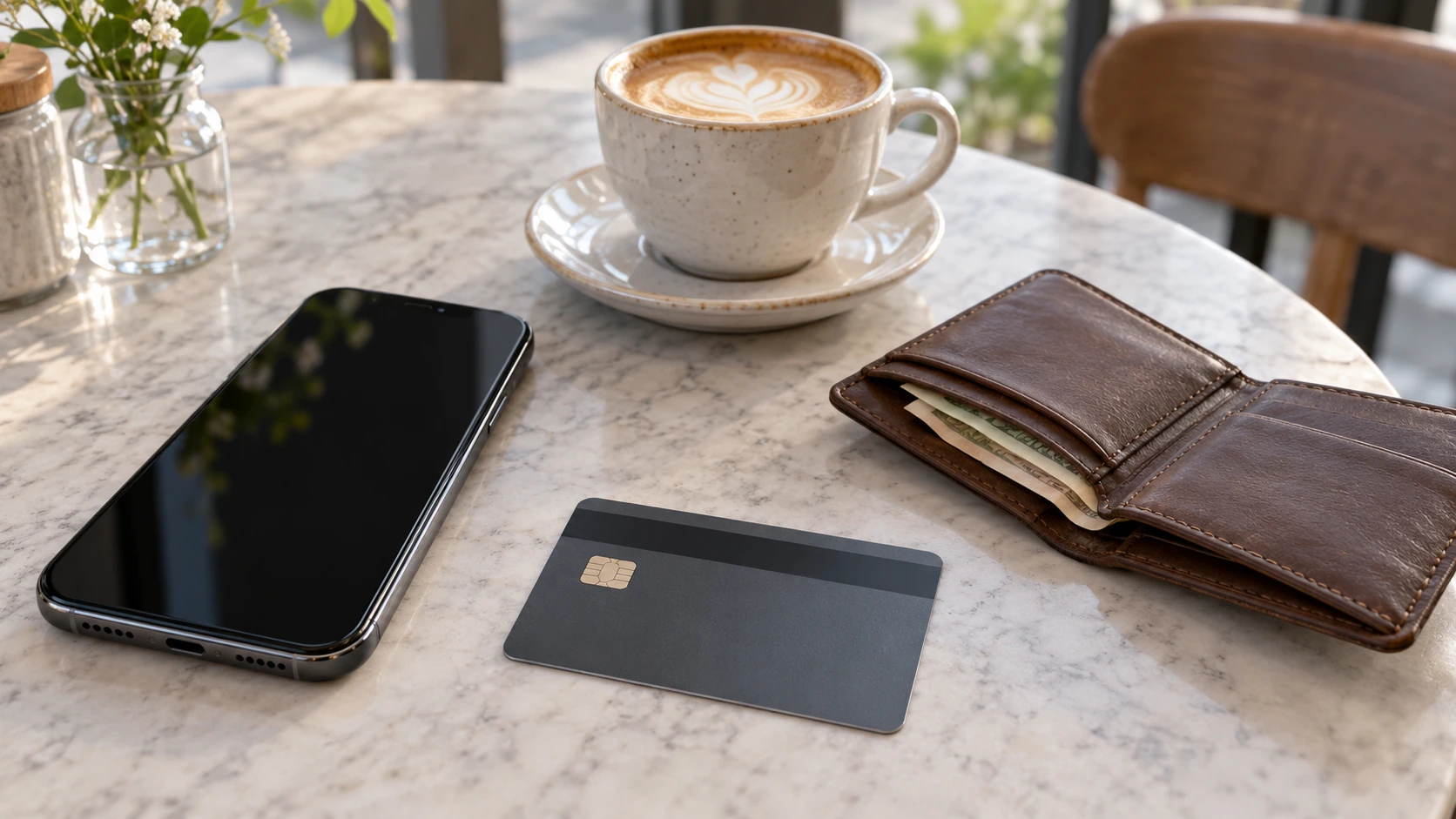
At the counter: identify who scans whose code
Ask which payment method the merchant accepts. When scanning, verify recipient and amount; when showing a code, retain the phone and check the result. A personal code may differ from supported business payment. Switch methods instead of improvising.
For an unclear result, check history, amount and time with the merchant before retrying. Save the official support reference. If paying another way urgently, flag the earlier attempt so any duplicate can be traced.
Local transport: activate the right city service
Activate the supported city transport function before the gate. Follow the operator’s entry and exit instructions; a merchant-payment screen may be different. If it fails, step aside and ask staff for an accepted ticket method.

For a Yunnan itinerary, keep railway tickets and local transport separate in your plan. A bus or metro function does not replace the booked train, correct station or passport details. Use our Yunnan train booking guide for the intercity part. Scenic-area shuttles can also have their own tickets and operating rules.
Troubleshooting without losing the day
| Problem | Useful next action | Practical fallback |
|---|---|---|
| Card cannot be added | Read card eligibility and the exact error; use official app support or the issuer. | Another supported card of your own, a different wallet or cash. |
| Top-up or payment declined | Check the funding method, amount, available funds and issuer approval. | Avoid repeated large attempts while waiting for the cause to be resolved. |
| No SMS code | Check country code, selected number and your phone service. | Use another official login method only if the account offers it. |
| Merchant and app disagree | Keep the transaction reference and compare both records. | Resolve through the provider; do not surrender your login to a helper. |
| Transport code fails | Ask staff about the exact line and accepted ticket. | Buy an accepted ticket rather than miss the service troubleshooting at the gate. |
Fees, offers and refunds: read the terms for your transaction
An advertised discount is not a guaranteed reduction for every user, card, merchant or date. Check eligibility, caps and the final amount before paying. Your card issuer may apply its own currency or transaction charges. Keep an itemised record when paying for a larger hotel or activity booking, and ask the seller for its cancellation conditions separately from the wallet’s payment terms.
Before leaving China, check any remaining balance and unresolved transaction. Keep access to the registered number or email for follow-up. Retain receipts and references until the matter is settled; uninstalling an app or changing a SIM is not a refund request.
Useful questions
Does this replace Alipay or WeChat Pay for everyone? Choose according to the functions and acceptance that work for you. A tested option and an independent backup are more useful than a promise that one app works everywhere.
Can Verotrip activate my payment account? Payment setup and identity approval are handled by the app and financial providers. For the travel arrangements, tell us which transfers and bookings you want included so the first day does not depend on solving every app problem after landing.
For the broader preparation sequence, continue with the first-trip China arrival checklist and payment choices for China.
Related Journeys to Compare
These existing routes offer starting points for the region or travel interests discussed above. Read the full daily itinerary to see what is included. A visit described in this guide, a specialist session or an international border crossing is added only when confirmed in your own programme.
Ask Verotrip to plan the visits you want.
Frequently asked questions
How should I arrange arrival, transport and the return?
For a Yunnan itinerary, keep railway tickets and local transport separate in your plan. A bus or metro function does not replace the booked train, correct station or passport details. Use our Yunnan train booking guide for the intercity part.
Which costs and services should I check separately?
Keep an itemised record when paying for a larger hotel or activity booking, and ask the seller for its cancellation conditions separately from the wallet’s payment terms.